

Skip to Content
Free delivery across Kuwait on eligible orders English (US)   KWD
You may also like this products
My Cart
:
:
:

Elago AirPods 1&2 Dust Guard - 2 SET

(0 review)
SKU:
EAP-GUARD-GD-2S

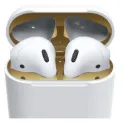
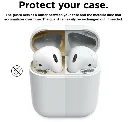
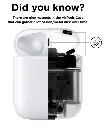
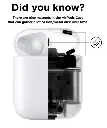
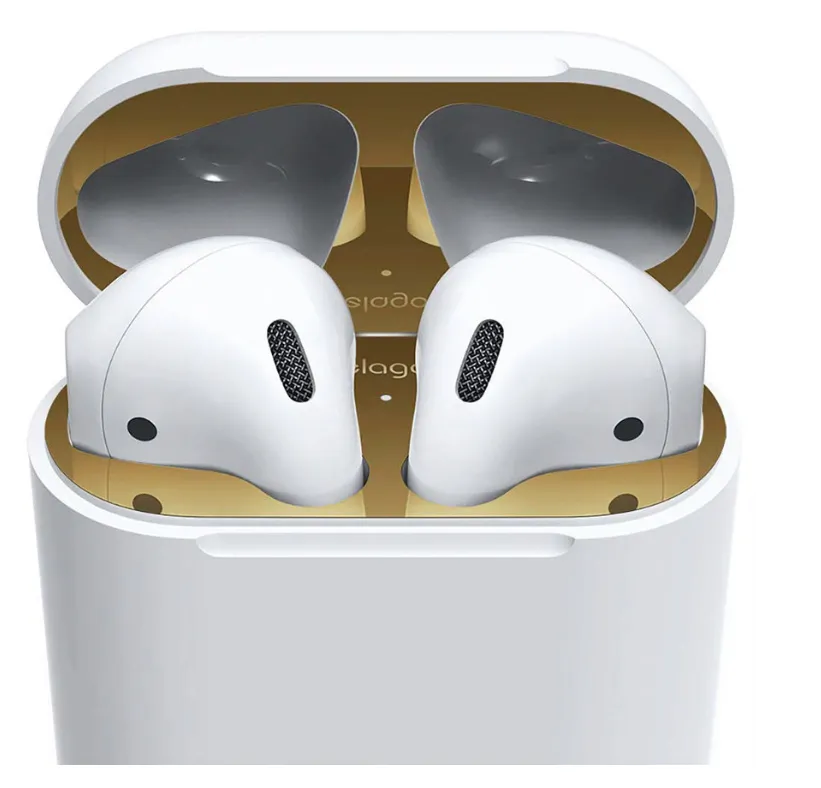
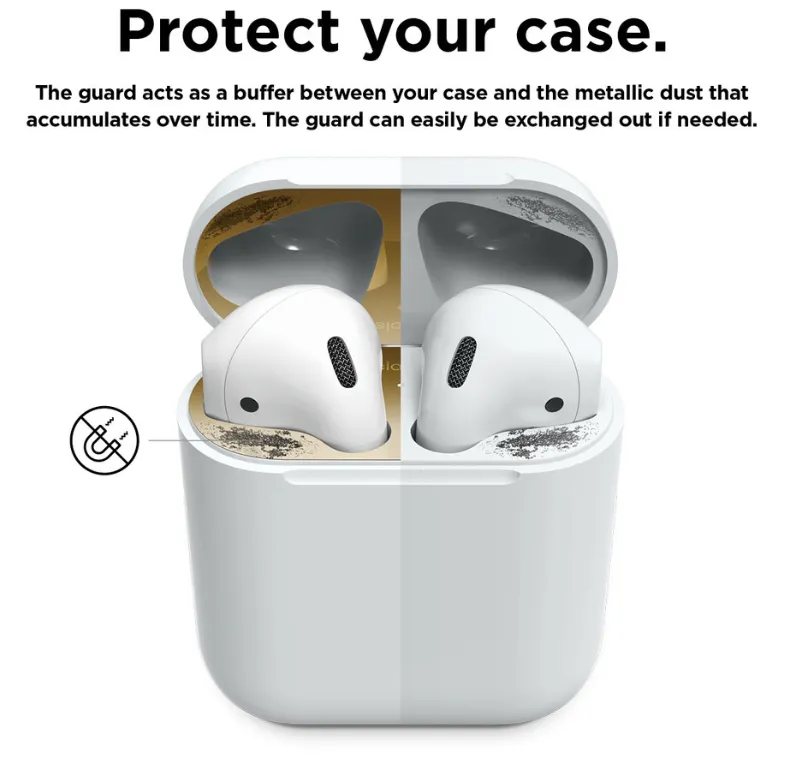
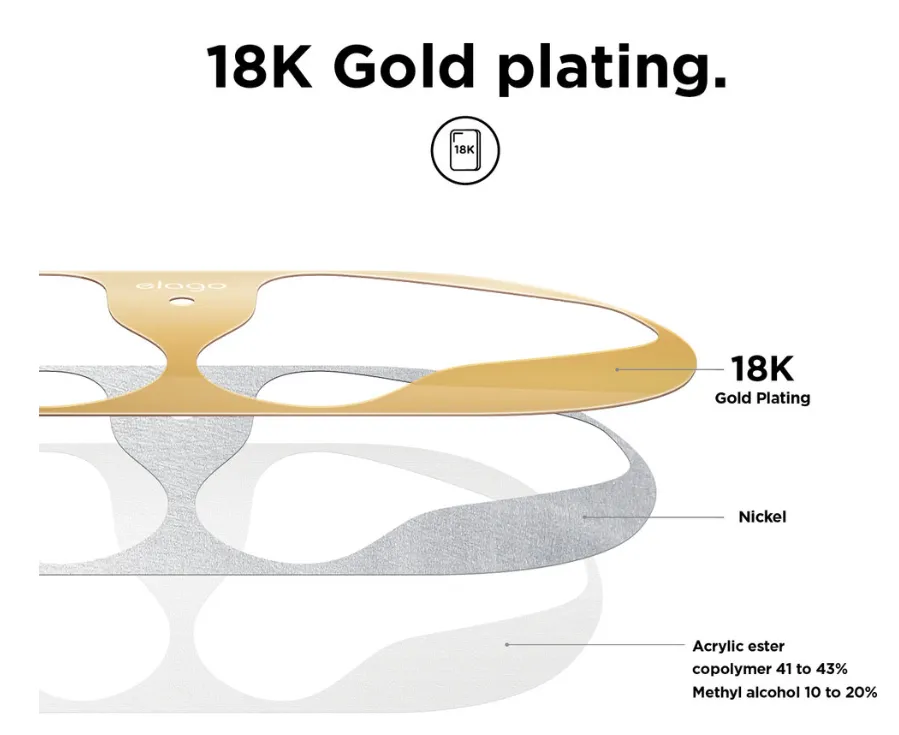
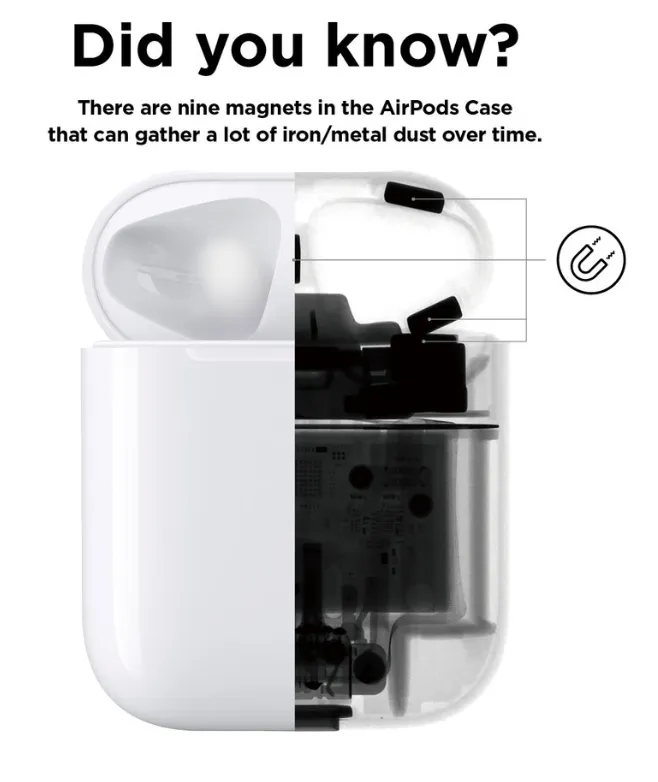
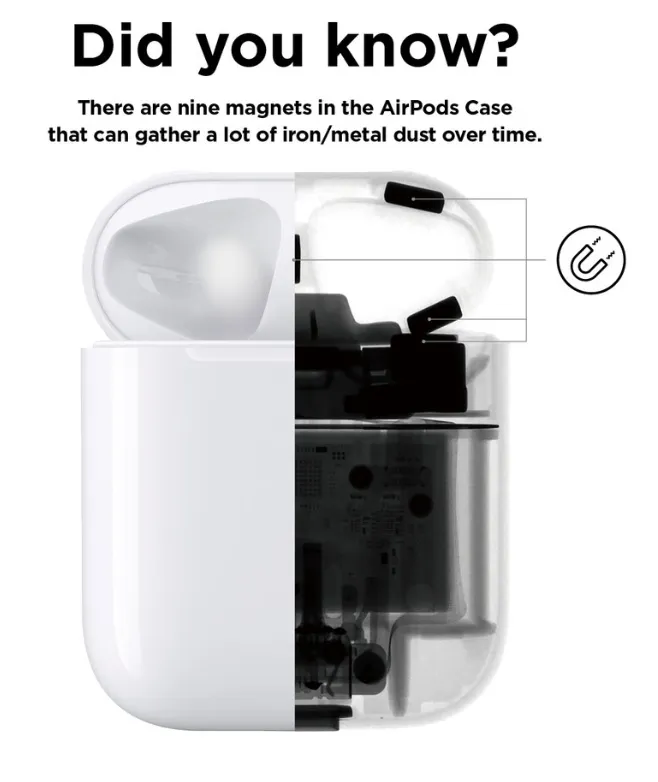
Did you know? There are nine magnets in the AirPods Case that can gather a lot of iron/metal dust over time The guard acts as a buffer between your case and the metallic dust that accumulates over time. The guard can easily be exchanged out if needed. It may be hard and take some time to align the stickers on AirPods, however the elago AirPods Dust Guard is made of metal which can be installed easier and cleaner than any other similar products on the market. The thickness of the plate is 0.04mm. Experience flawless use of the case with the Dust Guard installed. INSTALLATION 1) Attach the bottom sticker on the body portion. 2) Place the top sticker upside down on the bottom portion so that the adhesive side faces upwards on the body portion. 3) Close lid over the upward facing dust guard so that it sticks perfectly to the inner ceiling once shut. 4) Place your fingers in the AirPods inserts to check if the dust guard is applied properly. If it is not attached properly, it can scratch the AirPods. Watch Installation Video - https://youtu.be/jX0MuFQ7YhY

0.500  د.ك 0.500  د.ك
0% Off

  • Brand
  • Color
  • Devices
Product Image

Elago AirPods 1&2 Dust Guard - 2 SET

0.500  د.ك 0.500  د.ك
Tags: Elago ,

Guaranteed safe checkout
master-card paypal maestro american-express bitcoin

Did you know? There are nine magnets in the AirPods Case that can gather a lot of iron/metal dust over time The guard acts as a buffer between your case and the metallic dust that accumulates over time. The guard can easily be exchanged out if needed. It may be hard and take some time to align the stickers on AirPods, however the elago AirPods Dust Guard is made of metal which can be installed easier and cleaner than any other similar products on the market. The thickness of the plate is 0.04mm. Experience flawless use of the case with the Dust Guard installed. INSTALLATION 1) Attach the bottom sticker on the body portion. 2) Place the top sticker upside down on the bottom portion so that the adhesive side faces upwards on the body portion. 3) Close lid over the upward facing dust guard so that it sticks perfectly to the inner ceiling once shut. 4) Place your fingers in the AirPods inserts to check if the dust guard is applied properly. If it is not attached properly, it can scratch the AirPods. Watch Installation Video - https://youtu.be/jX0MuFQ7YhY

App Logo

To install this Web App in your iPhone/iPad press icon and then Add to Home Screen.